Maximize Team Efficiency with Customizable SmartKITS
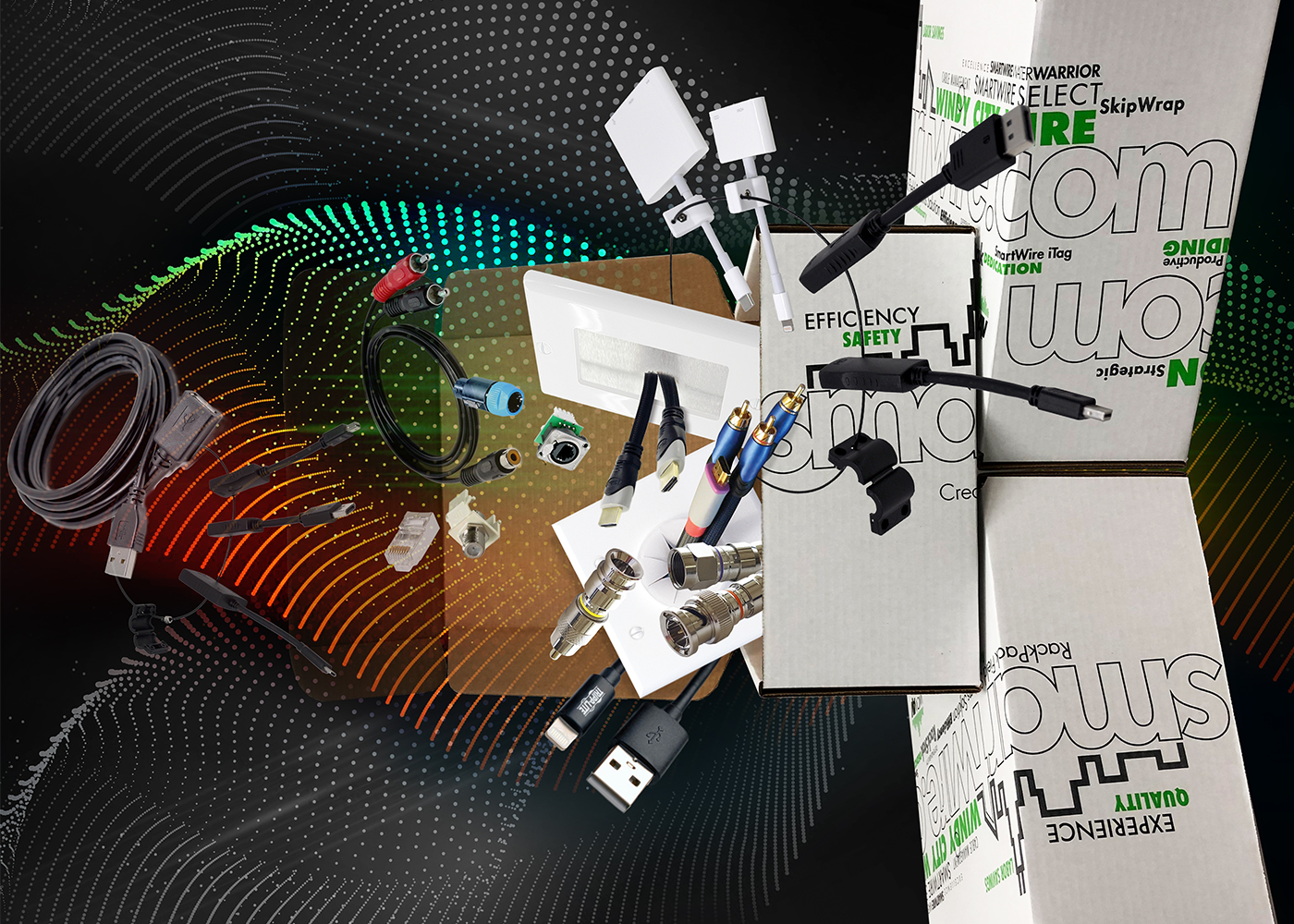
Every project team knows the pain of missing parts, inconsistent installs, and time lost to unnecessary trips. Customizable SmartKITS solve that by turning repeatable scopes into pre-defined, ready-to-build kits that standardize your bill of materials, installation steps, and documentation. The result is faster delivery, fewer errors, and consistent outcomes across every job site.
What is a SmartKIT?
A SmartKIT is a curated set of parts and tools designed for a specific use case. Instead of pulling components ad hoc, your team grabs one kit per scope and follows a consistent, proven workflow. SmartKITS can be as simple as a single device drop or as comprehensive as a full room or closet build.
Think of it as a playbook in a box: the right materials, labeled in the right order.
Why Customization Matters
Standard kits are helpful. Custom kits are transformative. Tailoring SmartKITS to your exact project types and standards ensures everything aligns with how your team actually builds.
Key benefits of customization:
- Precision fit for your project types and code requirements
- Consistent part selection and color coding
- Aligned with your install sequencing and quality checks
- Ready to integrate with your documentation, labeling, and testing
Efficiency and Consistency: How SmartKITS Deliver
- Faster installation: Fewer decisions in the field, fewer truck trips, and less time hunting for parts
- Fewer mistakes: Standardized, scope-specific components reduce rework
- Predictable outcomes: Repeatable, scope-by-scope kitting drives consistent quality
- Streamlined training: New technicians ramp faster by learning consistent, kit-based workflows
- Cost control: Less waste, cleaner purchasing, and easier job costing
- Easier audits: Lot codes, kit IDs, and checklists support traceability and warranty processes
Ad Hoc vs SmartKITS
Sourcing
- Ad hoc approach: Multiple POs and last-minute buys
- Custom SmartKITS: Single PO per scope and consolidated procurement
Time on site
- Ad hoc approach: Variable and interruption-prone
- Custom SmartKITS: Predictable and sequenced
Errors
- Ad hoc approach: Higher risk from part variance
- Custom SmartKITS: Reduced through standardization
Training
- Ad hoc approach: Tribal knowledge driven
- Custom SmartKITS: Documented, repeatable steps
Quality
- Ad hoc approach: Inconsistent across crews
- Custom SmartKITS: Consistent across projects
Anatomy of an Effective SmartKIT
Below are examples tailored to common low-voltage and IT scopes. Adjust quantities and SKUs to your standards.
1: Access Control Door Kit
- Pre-selected cable types per device load and distance
- Reader, lock hardware, power accessories, and connectors
- Pre-printed labels, heat-shrink, and Velcro ties
- Templates: door schedule sheet, wiring diagram, test checklist
2: IP Camera Drop Kit
- Plenum-rated data cable and weather-appropriate fittings
- Junction box, connectors, and mounting hardware
- Color-coded labels that map to the VMS
- Templates: aiming guide, label map, sign-off list
3: Small Network Closet Kit
- Patch panels, keystones, patch cords, cable managers
- Power strips, grounding hardware, fasteners
- Rack layout drawing, port map, documentation QR code
- Templates: as-built sheet, turn-up checklist
4: Conference Room AV Kit
- Device-specific cables and adapters by room type
- Termination hardware, mounting brackets, cable management
- Predefined wiring diagrams and commissioning steps
- Templates: device matrix, testing sequence, naming convention guide
5: Packaging elements that lift performance:
- Clear binning by step number so techs work in sequence
- Color bands or labels tied to system names and drawings
- QR codes linking to install videos, one-page diagrams, and checklists
- Kit ID and for traceability
Best Practices for Packaging and Labeling
- Label by function and step: Example Step 1 Pull and Label, Step 2 Terminate, Step 3 Test
- Use rugged, reusable containers with interior dividers
- Include spares for known high-loss items and track consumption
- Encode kit ID, version, and lot code on the label and packing list
- Place documentation on top with a bold, scannable QR code
Metrics That Prove Impact
Track these before and after rollout:
- Average install time per scope
- First-pass yield and rework rate
- Truck roll count and parts run count
- Material variance and waste percentage
- Help desk or foreman assist requests per scope
- Warranty return rate and time to close punch list items
Tip: Start with two or three metrics that are easy to capture, then expand.
Rollout Playbook
- Phase 1: Build kits for the top two scopes that burn the most hours
- Phase 2: Pilot on three projects and capture technician feedback weekly
- Phase 3: Publish version 1.0 kits to the whole team, run a 30-minute training
- Phase 4: Add kits for the next three scopes and integrate lessons learned
- Phase 5: Quarterly review of BOMs, documentation, and metrics
Common Pitfalls to Avoid
- Overstuffed kits that try to solve every edge case
- Uncontrolled substitutions that break standards
- Documentation bloat that crews will not read
- One-time setup without ongoing ownership and versioning
The Payoff
Customizable SmartKITS convert expertise into a repeatable system. Your crews move faster with fewer interruptions, quality becomes the norm, and every project benefits from the best way you know how to build. Start with one scope, prove the time savings, then scale across your portfolio.
Need guidance? Contact our team, explore SmartKITS resources, or register to begin.

Windy City Wire
Windy City Wire
Windy City Wire