Cat 5 Max Length Explained for Reliable Ethernet Cable Runs
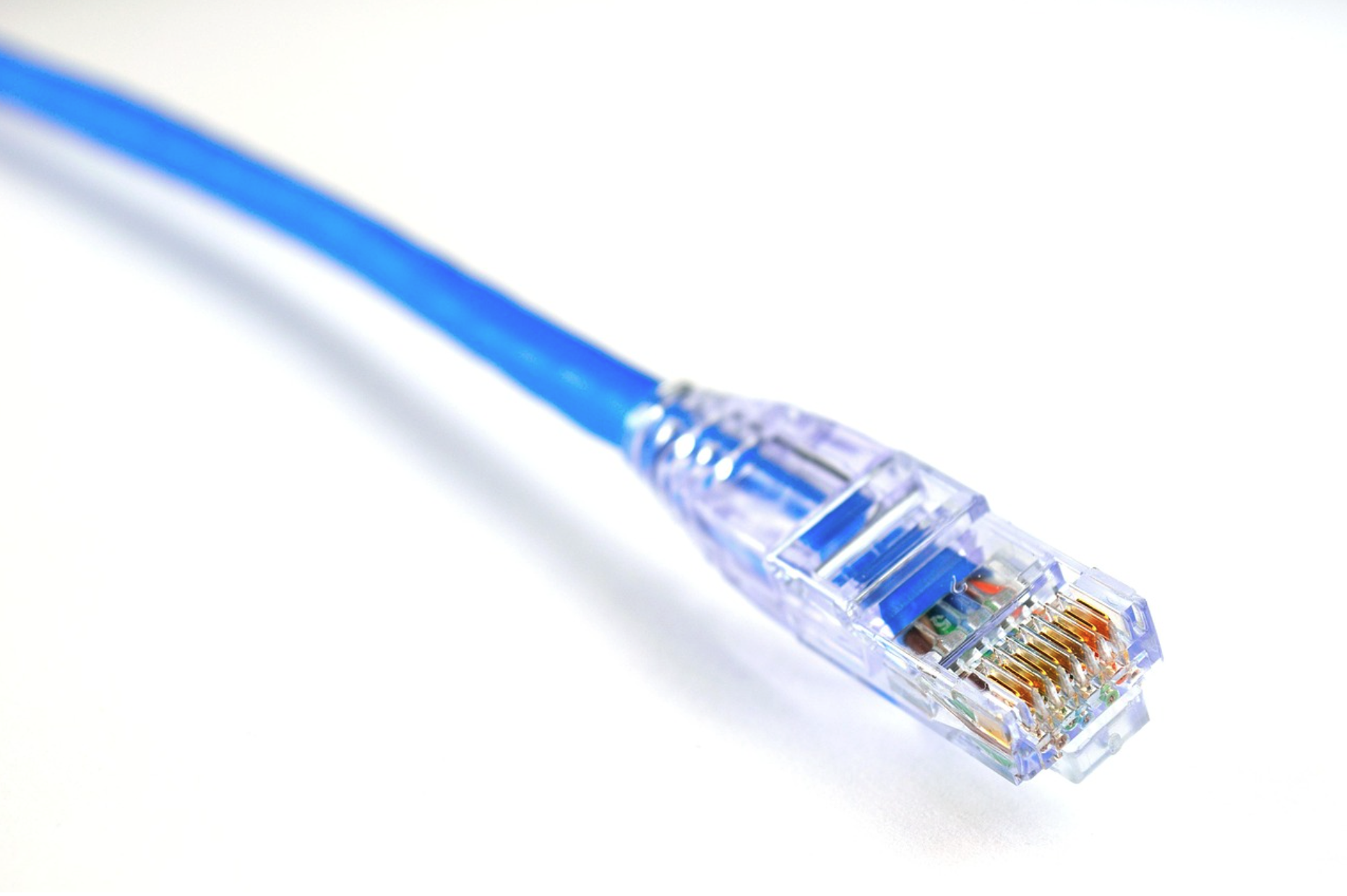
How far can an Ethernet cable run before its performance starts to drop? When teams design commercial networks, they want a clear answer. It's important to provide clarifying standards, ensuring projects remain reliable and compliant. This article explores the Cat 5 maximum length, what counts toward that number, why exceeding it impacts performance, and how to approach longer runs without resorting to trial and error.
The focus stays practical, built on the fundamentals that define Ethernet standards. This is how standards define the maximum Ethernet cable length for Category 5 and Cat5e, how the end-to-end channel budget works, and where patching and layout decisions affect line rate and consistency.
Why Cat 5 Max Length Still Matters
Even as many networks adopt Cat6 or fiber for higher speeds, Cat5 and Cat5e still appear in commercial spaces. That means access control panels, building automation backbones, point-of-sale islands, and device segments that only require 100 Mbps to 1 Gbps. Since these links often support critical building systems, it's important to have predictable performance and proven limits.
Let’s frame the core question in plain terms:
What is the cat 5 max length?
How far can an Ethernet cable run before errors and slowdowns appear?
How long can Ethernet cable be when patch cords, panels, and jumpers are part of the path?
These questions boil down to one concept: the maximum network cable length for the entire channel, not just a single spool of cable.
The Standard Cat 5 Max Length: The 100-Meter Guideline
The widely accepted limit for twisted-pair copper Ethernet, Category 5 and Cat5e, is 100 meters, or 328 feet, for a standards-compliant channel. That 100-meter envelope preserves signal quality, timing, and power margins for common Ethernet PHYs. It represents the maximum Ethernet cable length for a single channel based on the conditions defined by industry standards for cabling, connectors, and patching.
To recap the most common keyword questions in one spot:
How far can Ethernet cable run? Up to 100 meters for a Cat5/Cat5e channel.
How long can Ethernet cable be? The same 100 meters when you add up the whole path.
Maximum network cable length? 100 meters is the channel budget most commercial networks plan around.
Projects sometimes treat 100 meters as a suggestion only. It isn’t. That number considers signal attenuation, impedance control, crosstalk budgets, and the timing windows Ethernet uses for reliable negotiation and traffic.
Channel vs. Cable: What Counts Toward the 100 Meters?
The channel is the end-to-end path between active gear, including switches, devices, and media converters. It includes:
The permanent (horizontal) link between spaces.
Patch panels and jacks in between.
The patch cord segments at each end.
The cat 5 max length applies to the entire channel, not just the horizontal run. In practice, many designs target 90 meters for the permanent link and reserve up to 10 meters total for patching (often split between both ends). That reservation gives you flexibility at the rack and at the endpoint while staying inside the 100-meter budget.
When teams ask about LAN cable distance, it’s common to talk about the channel, because a perfect 100-meter horizontal pull plus two generous patch cords no longer fits the budget. The details of how you interconnect matter as much as the pull length itself.
Cat 5 vs. Cat5e: Does the Max Length Change?
Category numbers can imply different limits, but the maximum Ethernet cable length for standard Cat5 and Cat5e remains 100 meters for typical 10/100/1000BASE-T links. The difference between the two categories shows up in performance margins:
Cat 5 was specified for Fast Ethernet (100 Mbps) and early Gigabit implementations.
Cat5e tightened crosstalk and return-loss requirements to better support Gigabit Ethernet at the same distance.
While Cat5e usually delivers better headroom for 1 Gbps operation at a given length, it doesn’t expand the maximum network cable length beyond 100 meters, as defined for a compliant channel. If a segment fails at 110 or 120 meters with Cat5e, it’s not the category’s fault; it’s the distance.
What Happens When You Go Beyond the Recommended Length?
Pushing beyond the 100-meter envelope may seem fine until traffic congestion or environmental noise levels shift. Common symptoms include:
Intermittent connectivity: Links negotiate, then drop unexpectedly.
Throughput throttling: A 1 Gbps link falls back to 100 Mbps or negotiates inconsistently.
Excessive errors and retransmissions: Higher frame loss, CRC errors, and latency spikes.
Power issues on PoE segments: Voltage drop starves endpoints, causing reboots or brownouts.
Why does this happen? Two main forces stack up over distance:
Attenuation: Signal power decays as it travels. Past a point, the receiver can’t cleanly discriminate ones from zeros.
Noise and crosstalk: Real buildings add EMI, coupling, and reflections. Extra length compounds every margin.
Ethernet PHYs are robust, but they’re calibrated around a channel that respects the budget. Once the LAN cable distance extends past that budget, the error bars widen and stability goes with them.
“Ethernet Cable Extra Long”: What to Consider for Longer Distances
It’s common to see searches for ethernet cable extra long options. One continuous copper run appears simpler than redesigning the topology. But copper twisted-pair Ethernet wasn’t defined to behave predictably at 120, 150, or 200 meters. The 100-meter envelope exists so device designers, switch vendors, and cable makers can align around repeatable physics.
When projects require longer reach, teams typically revisit the network design. This means segmenting with intermediate electronics, transitioning to different media for the long leg, or reconfiguring device placement. This isn’t about prescribing how to extend a link here. It’s about simply noting that the standards and the cat 5 max length go hand-in-hand. When your use case inherently requires more distance, consider architectures and media that are specified for that span.
Patch Cords, Panels, and Real-World Network Layouts
A patch cord is a short, flexible segment with modular plugs that connects active gear to a jack or patch panel. It counts toward the channel distance budget. Two short cords (for example, one at the switch and one at the endpoint) often total several meters. If those patch lengths grow to accommodate swing racks, test equipment, or movable carts, the permanent link needs to shrink accordingly to keep the channel at or below 100 meters.
Creative patching at distribution frames also exists, like daisy-chaining panels temporarily, looping cords to reassign ports, or using long service loops for convenience. All of those choices add length. When teams ask how far can Ethernet cable run, look for the full map: panel-to-panel distances, patching practices, and any extra jumpers that live in the pathway. The channel measures performance by total distance, not by how the length is distributed.
Practical Notes on Category, Speed, and Headroom
Within the 100-meter budget, Cat5e typically provides better immunity to crosstalk than legacy Cat5, which can help maintain 1 Gbps stability. That said, headroom is not a license to ignore the distance limit. If a segment runs long, even Cat5e’s improved performance can’t erase attenuation and timing realities.
For specialized links that run at lower speeds, some teams observe that a “long” run still seems to work. That’s anecdata, not a standard. As traffic and interference patterns evolve, those links can become unstable without warning. Predictability is why the 100-meter rule exists and why it gets baked into procurement specs and acceptance testing.
Designing with the Channel Budget in Mind
Plan copper links by starting with the maximum Ethernet cable length and working backward:
Treat 100 meters as the hard channel limit.
Allocate 90 meters for the permanent link when you need patching flexibility.
Track every patch cord on both ends of the link.
Keep panel and jumper practices consistent to maintain clean math.
This mindset helps maintain margin for line rate, link stability, and power delivery when PoE is involved. It also helps teams avoid false-positive failures during certification because the patching crept longer than planned.
Frequently Used Terms (and Why They Matter)
Cat 5 max length: The standard 100-meter channel envelope for Cat5/Cat5e.
How far can Ethernet cable run and how long can Ethernet cable be: The same 100 meters; remember to include patching and panels.
Maximum network cable length: Another way to say 100-meter channel budget.
Cat5e: An enhanced Category 5 spec with improved crosstalk control.
LAN cable distance: A reminder that the end-to-end channel, not just the horizontal pull, defines the distance.
Patch cord: Short, flexible segments that connect gear to panels or jacks (always counted in the total).
Using the same vocabulary across engineering, IT, and operations leads to better specifications and fewer surprises.
Key Takeaways on Cat 5 Max Length
The standard cat 5 max length (and Cat5e length) for a single, compliant Ethernet channel is 100 meters (328 feet).
The 100-meter limit applies to the entire channel, including permanent links, connectors, and patch cord segments.
Exceeding the maximum network cable length raises the risk of errors, speed drops, and unstable links, especially as building noise and workloads fluctuate.
Cat5e offers better performance margins than legacy Cat5, but it doesn’t extend the 100-meter limit.
If your design calls for an ethernet cable extra long run, plan the architecture around media and topologies meant for those distances rather than stretching the copper envelope.
It’s important to provide teams with predictable, standards-based cable performance, ensuring networks behave as specified. Clear planning within the 100-meter budget helps projects avoid unforced errors and ensures critical systems communicate effectively.
Suppose you’re mapping out new segments or documenting existing ones. In that case, our team is glad to share specification details and product data to help you select the right category and construction for your environment. Explore our Category Cable Resource Center, or reach out through our contact page to talk with our team about cable options that align with your next project’s requirements.
